Caredence logoCaredence

    Childcare management app for directors, staff, and parents.

    Run your center from a phone. Caredence puts attendance, billing, daily reports, and parent messaging in one mobile‑friendly childcare management app—so directors, staff, and parents all work from the same source of truth.

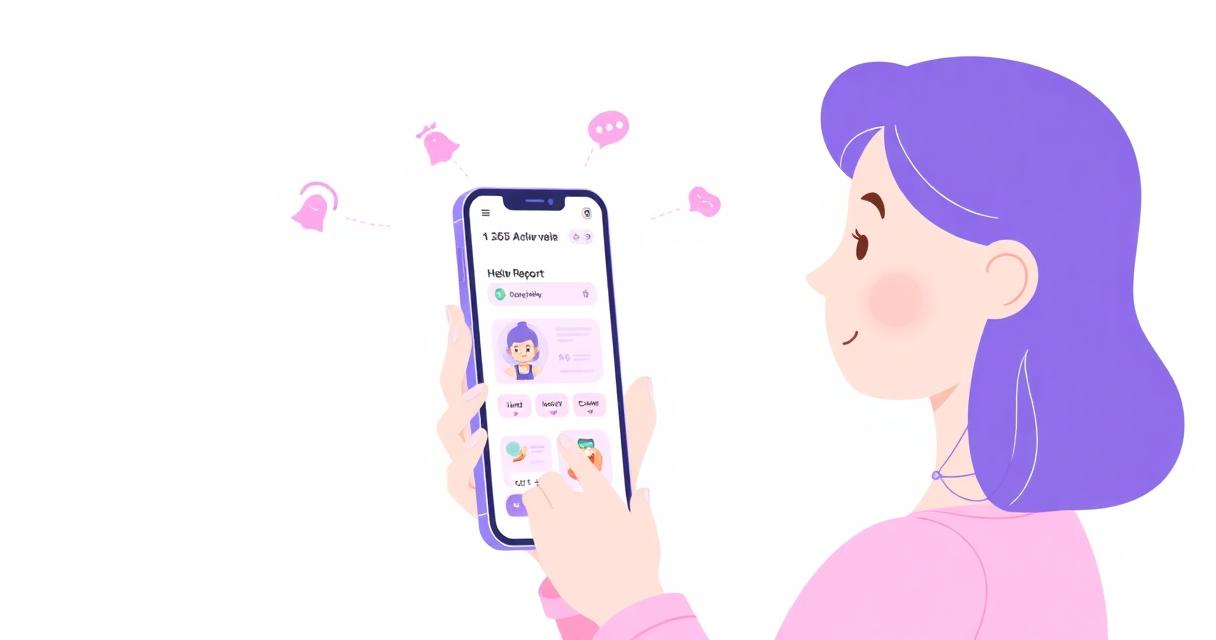
    Parent and daycare director using the Caredence childcare management app on their phones

    Mobile access to attendance, billing, and daily reports

    Directors and staff open the Caredence childcare management app on any phone or tablet and see today's roster, each classroom's capacity, staff records, and open invoices in one place. Caredence is available on the Apple App Store and Google Play, and also works in any modern browser.

    From the same app, staff can mark attendance, add daily reports, message parents, and record payments without walking back to a desktop. The result is fewer front-desk bottlenecks and directors who can actually leave their office.

    Parent app and portal for communication and updates

    Parents get their own view of the same platform: today's schedule, meals, naps, photos, invoices, and unread messages. They pull up their child's day on the drive home instead of waiting for a folder at pickup.

    Two-way messaging lets teachers reply during nap or planning time, and parents see unread message counts. It replaces the mix of text threads, group chats, and paper notes most centers rely on today.

    Push notifications and messaging

    Push notifications alert parents to check-ins, photos, daily reports, announcements, and invoice reminders—no email chasing required. Staff and directors get pushes for unread parent messages.

    Email, SMS, and push notifications can each be turned on or off, so parents get useful updates instead of noise.

    Built for the way daycare teams actually work

    A childcare management app only helps if it fits the pace of a real center—drop-off rushes, nap-time paperwork, and the never-ending stream of parent questions. Here's how directors, lead teachers, and parents use Caredence day to day.

    Directors and owners

    Pull up current enrollment, classroom rosters, and the day's revenue from anywhere—between tours, in a licensing visit, or after hours. Review attendance, check outstanding balances, and message a whole classroom of parents without opening a laptop.

    Lead teachers and staff

    Check kids in from a tablet at the classroom door, log meals and naps as they happen, and snap a photo that posts to the right parent instantly. No more end-of-day paperwork marathons or trying to remember whose sunscreen you reapplied.

    Parents and guardians

    See today's meals, photos, and messages on the drive home. Pay tuition from the same app—no separate portal login, no paper forms in a folder.

    What a childcare management app replaces

    Most daycare centers run on a stack of tools that were never designed to work together: a paper sign-in sheet at the door, a group text chain for parent updates, spreadsheets for tuition, a filing cabinet of paper child records, and a whiteboard for classroom assignments. Every one of those tools works fine on its own—but the seams between them are where things get missed.

    Caredence collapses that stack into a single mobile app. Attendance, billing, and family records live in one system, and photos and daily reports flow to the right parent. Directors stop reconciling and start managing.

    Replaces

    • Paper sign-in sheets and clipboards
    • Group text chains and WhatsApp classes
    • Spreadsheets for tuition and payment tracking
    • Standalone payment apps and Zelle screenshots
    • Printed daily reports and folder notes
    • Separate parent portals with a second password

    Rolling the app out to staff and parents

    Software only matters if your team actually adopts it. This rollout pattern keeps the change manageable for directors and classroom staff.

    1. 1. Set up your center and classrooms

      Import children, parents, and staff from a spreadsheet, or add them directly. Assign kids to classrooms and set each room's capacity so the app can flag rooms that are full.

    2. 2. Train staff on tablets in the classroom

      Staff learn attendance, daily reports, and photo posting in a single 30-minute walkthrough. The mobile-first design means there's no separate desktop workflow to memorize.

    3. 3. Invite parents and turn on notifications

      Parents receive an invite email, install Caredence from the App Store or Google Play (or add the browser version to their home screen), and opt in to push notifications. You can see who has activated and resend invites from the parent list.

    4. 4. Move billing and messaging off legacy tools

      Once the daily rhythm is in the app, migrate tuition invoicing and the parent group chat. This is usually where directors notice the biggest reduction in manual admin work.

    Part of the Caredence platform

    The mobile app is one piece of the full childcare management software. Pair it with childcare billing software for automated invoicing and childcare attendance software to compare the children checked in to each classroom with the staff checked in to that room.

    Childcare app questions

    Is there a Caredence app in the App Store and Google Play?

    Yes. Caredence is available on the Apple App Store and Google Play, and also works in any modern browser.

    Can staff and parents use the same app?

    Both staff and parents use Caredence from their phone, but each sees a role-appropriate view. Staff and directors see rosters, classroom capacity, and billing; parents see their child's day, messages, and invoices.

    Does the parent app support push notifications?

    Yes. Parents receive push notifications for check-ins, photos, daily report updates, announcements, and invoice reminders.

    Do I have to be online to use the app?

    Most workflows require an internet connection, but common views cache locally so the app stays responsive on spotty networks in classrooms and on field trips.

    Ready to run your center from your phone?

    Apply for free access or book a walkthrough of the Caredence childcare management app.